How it works

From Figma to live website in 3 simple steps.

1

Design in figma

Skip learning other tools or coding. Bring your entire website or portfolio to life right in Figma. Leverage its features like transitions, GIFs and video to make it interactive and engaging.
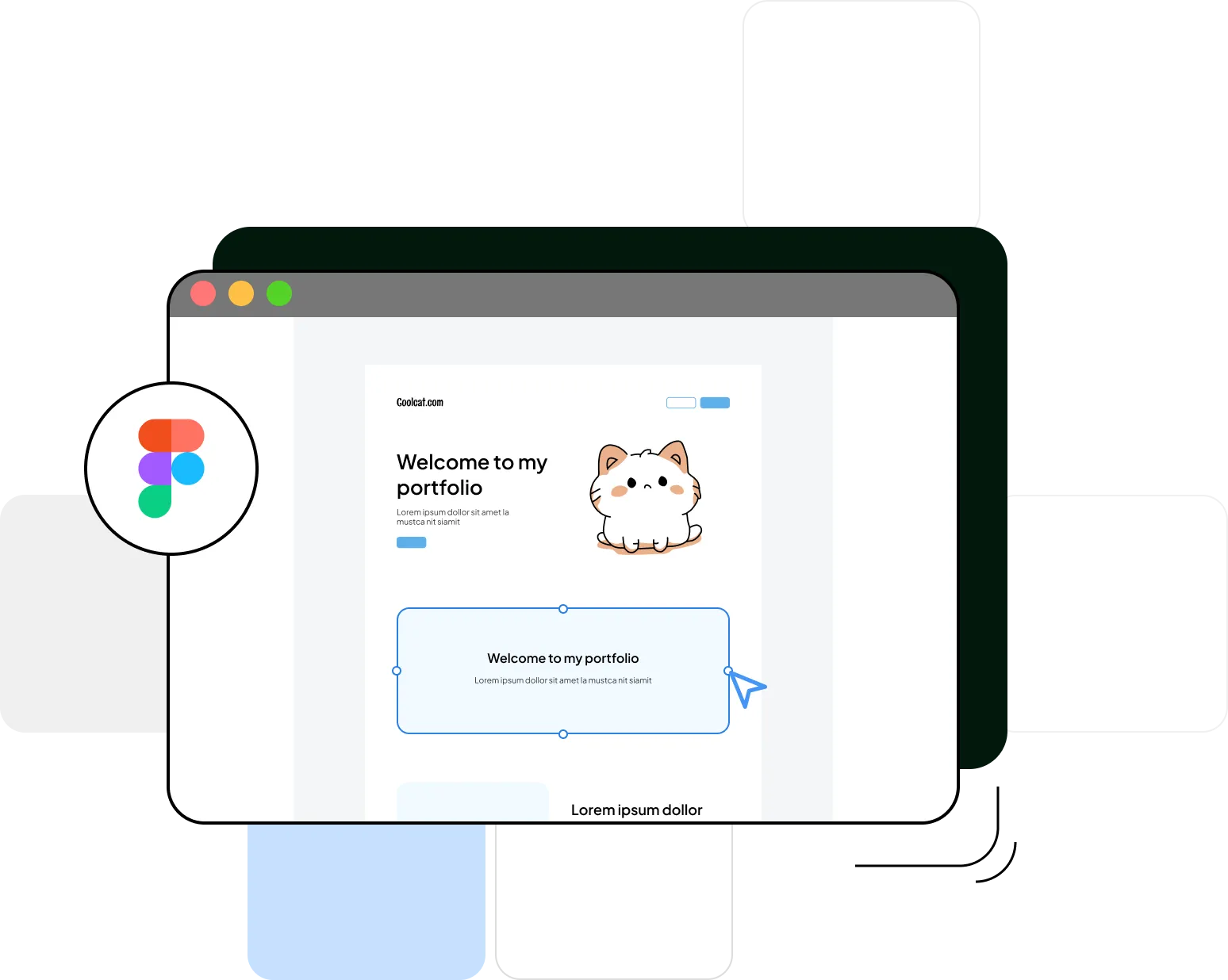
Design in Figma
2

Simple setup

Sign up and paste in your Figma prototype links for both desktop and mobile views – this ensures your site works for anyone visiting. Preview the site to see your fantastic Figma designs brought to life.
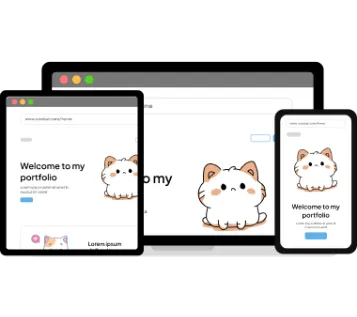
Simple setup
3

Go Live !

Publish your site instantly to start securing jobs and clients faster. Updates made in Figma are reflected on your site instantly. Customize your site with a personalised domain name.
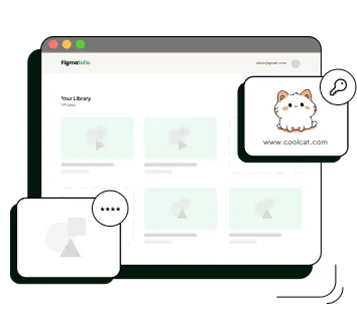
Go Live

Advanced customization options

Take your portfolio to the next level with professional features

🌐

Custom Domain

Connect your own domain like yourname.com for professional branding

Learn more
🔒

Password Protection

Secure confidential work and NDA projects with password access

Learn more

Frequently Asked Questions

What Figma features are supported?
Figmafolio supports all prototype features in Figma, including animations, transitions, scroll behaviors, hover states, and interactive components. You can also use videos, GIFs, and Figma's new responsive prototype features. Whatever works in Figma's prototype preview will work on your published site.
How do I get my prototype link from Figma?
In Figma, click the "Share" button in the top right corner, then select "Copy link" under the prototype tab. Make sure your file's sharing settings allow "Anyone with the link" to view. Paste this link into Figmafolio and you're ready to publish. We recommend having separate prototype links for desktop and mobile views for the best responsive experience.
Do changes in Figma update automatically?
Yes, changes you make in Figma are reflected on your live site automatically. Since Figmafolio embeds your Figma prototype directly, any updates you save in Figma will appear on your published portfolio without needing to republish or update anything in Figmafolio. It's truly a seamless workflow.
Can I preview my site before publishing?
Yes, you can preview exactly how your portfolio will look before making it public. After pasting your prototype links, use the preview feature in your dashboard to see both desktop and mobile views. This lets you verify everything looks right before sharing your portfolio with the world.